

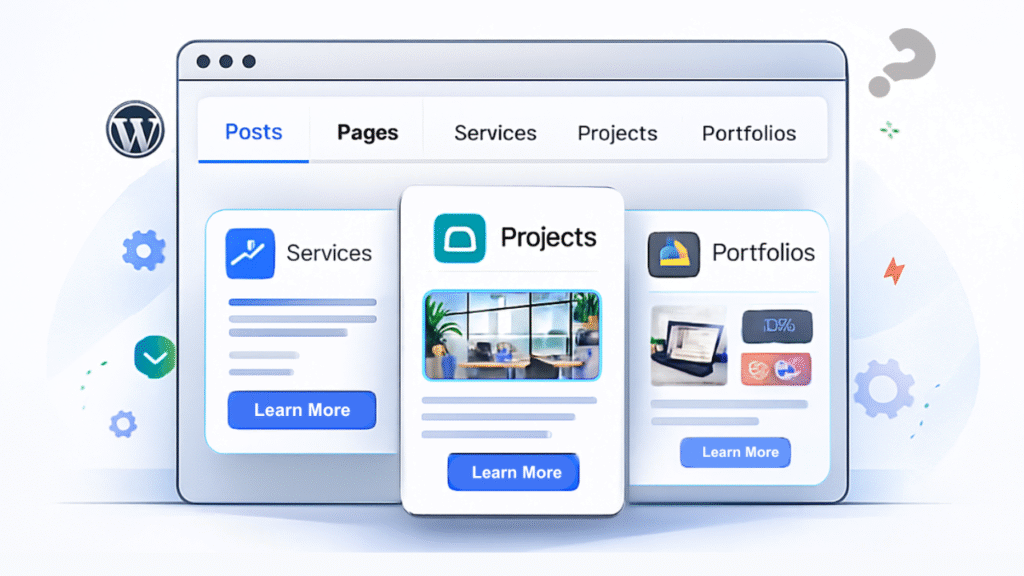
WordPress posts and pages are fine for basic content, but they can be limiting as your site grows. Custom Post Types (CPTs) let you create dedicated content types like services, projects, or portfolios. This makes your content organized, scalable, and easier to manage, while giving you the flexibility to design custom layouts and templates for each type.
Understanding WordPress Default Content Types
WordPress comes with two primary content types: Posts and Pages. Posts are designed for blog entries displayed in reverse chronological order, while Pages are meant for static content like “About Us” or “Contact.” This basic structure works well for simple blogs or brochure websites, but it quickly becomes inadequate as your site’s needs evolve.
Imagine trying to manage a business website with services, team members, case studies, and testimonials all crammed into regular Posts or Pages. Your WordPress dashbWebsite oard would become cluttered, organizing content would be a nightmare, and creating consistent layouts would require workarounds and hacks.
This is exactly where Custom Post Types come in.
What is a Custom Post Type?
A Custom Post Type is a content structure you define to suit your specific needs, separate from the default Posts and Pages. Think of it as creating a new category of content with its own rules, fields, and display options.
Each Custom Post Type functions independently with its own dashboard menu item, making content management intuitive and organized. For example, if you create a “Portfolio” CPT, you’ll have a dedicated “Portfolio” section in your WordPress admin panel, completely separate from your blog posts.
Real-World Examples of Custom Post Types
Let’s explore practical use cases that demonstrate the power of CPTs:
- Portfolio: Showcase your work and projects with custom fields for client name, project date, technologies used, and project images. Perfect for designers, developers, and creative agencies.
- Testimonials: Display client reviews with dedicated fields for client name, company, rating, photo, and testimonial text. Much cleaner than mixing reviews with blog posts.
- Courses: Organize educational content with fields for course duration, difficulty level, instructor, price, and curriculum. Ideal for educational websites and online learning platforms.
- Services: List your business offerings with custom fields for service descriptions, pricing, features, and booking options. Essential for service-based businesses.
- Products: Create custom product catalogs beyond WooCommerce with specific attributes, specifications, and comparison features tailored to your industry.
- Events: Manage upcoming events with fields for date, time, location, ticket information, and speaker details. Perfect for conference sites, meetups, or event venues.
- News: Separate news articles from regular blog posts with specific fields for news sources, categories, and publication dates.
- Team Members: Showcase your team with custom fields for position, bio, social links, and expertise areas.
- FAQs: Create a structured knowledge base with questions and answers organized by category.
Custom Post Types help you organize content more efficiently and build more dynamic, scalable websites that grow with your business.
Why Use Custom Post Types?
Custom Post Types transform how you manage and display content. Here’s how they benefit your website:
Keep Your Dashboard Organized
Instead of mixing everything into Posts or Pages, each content type gets its own dedicated section in your WordPress dashboard. This separation makes finding, editing, and managing content much faster and more intuitive. Your team members can quickly navigate to exactly what they need without sifting through unrelated content.
Create Unique Templates and Layouts
Each Custom Post Type can have its own custom template, allowing you to design layouts specifically suited to that content. Your portfolio items can have full-width image galleries, your team members can display in grid layouts with hover effects, and your services can feature detailed comparison tables. You’re no longer forced to make everything look like a blog post.
Enhance User Experience
When content is properly structured and displayed with purpose-built templates, visitors can find what they need faster and engage more deeply with your site. A dedicated Events section with calendar views and filtering options provides a far better experience than events buried in blog posts.
Make Your Website More Flexible and Future-Proof
As your business evolves, you can easily add new Custom Post Types without disrupting existing content. Need to add a “Case Studies” section next year? No problem. Want to create a “Resources” library? Just create a new CPT. This scalability ensures your website can grow alongside your business needs.
Improve SEO and Content Structure
Search engines favor well-organized content with clear hierarchies. Custom Post Types allow you to create semantic URLs (like yoursite.com/portfolio/project-name), add type-specific metadata, and implement structured data markup that helps search engines understand your content better.
Enable Advanced Filtering and Queries
With Custom Post Types, you can create sophisticated content displays. Show only portfolio items from 2024, display testimonials filtered by industry, or create an events calendar that automatically hides past events. This level of control is difficult or impossible with standard Posts and Pages.
How to Create Custom Post Types
There are several ways to add Custom Post Types to your WordPress site:
Using Plugins: Plugins like ACF and JetEngine make creating CPTs accessible to non-developers through visual interfaces.
Writing Code: Developers can register Custom Post Types using the register_post_type() function in their theme’s functions.php file or a custom plugin.
Regardless of the method, creating CPTs typically involves defining the post type name, labels, features (like featured images or excerpts), and how it appears in the admin panel.
The Bottom Line
The default WordPress structure works for simple websites, but building truly professional, scalable sites requires Custom Post Types. They provide the organizational structure, flexibility, and user experience enhancements that separate amateur websites from professional web applications.
Whether you’re building a business site, a portfolio, an educational platform, or a complex web application, Custom Post Types give you the control and flexibility to create purpose-built content structures that make sense for your specific needs.
One Response
bbm